How to Animate Old Family Photos with AI
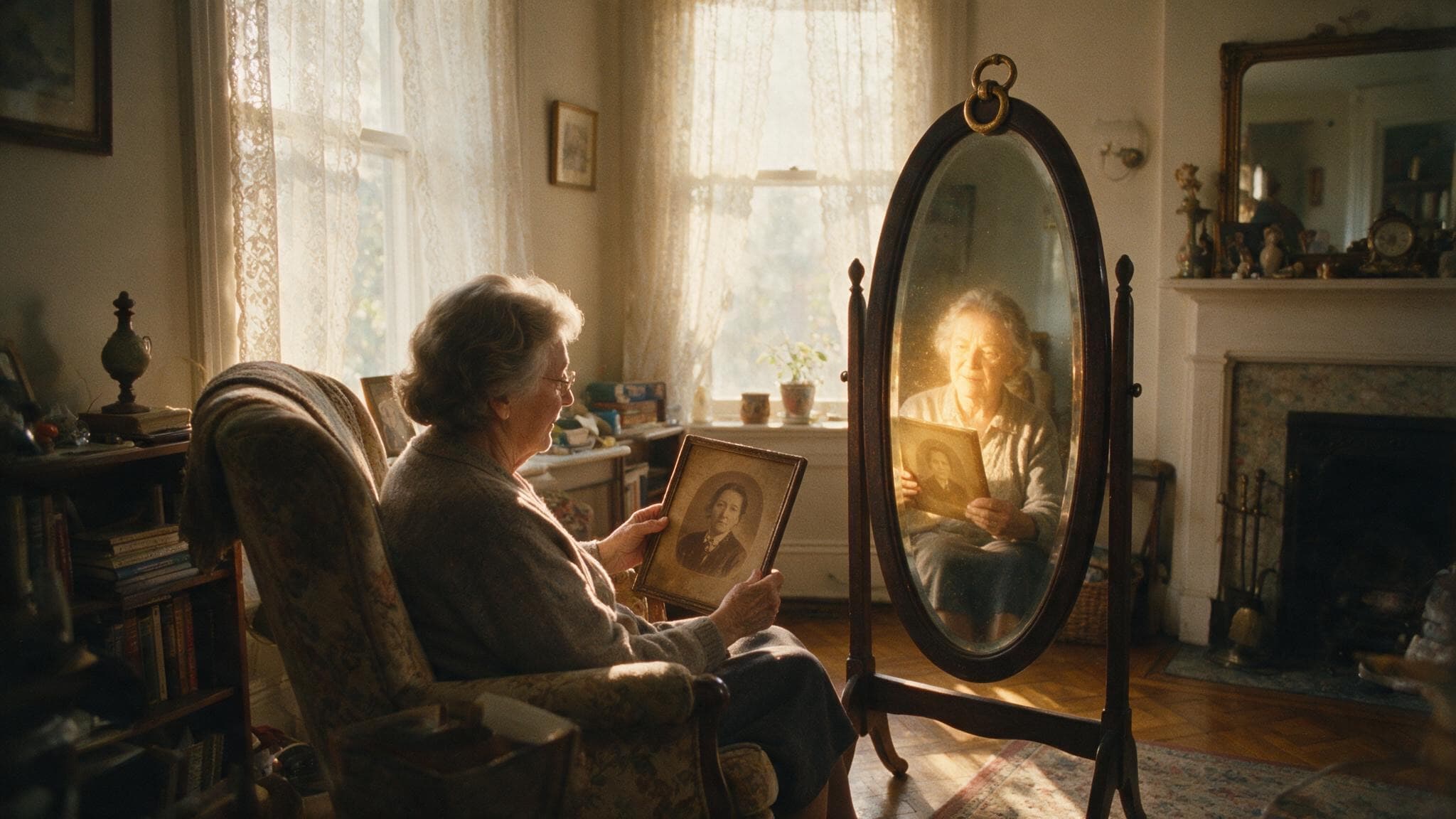
You found an old photo of your grandparents tucked away in a drawer. It's beautiful, but frozen in time. What if you could see that face move, blink, turn slightly? Thanks to AI, it's now possible in just a few clicks. This guide shows you how to animate any old family photo with Incarn.
- 1
Why animate old photos?
Old photos are family treasures, but they remain static. AI animation gives them a new emotional dimension: a gaze that comes alive, a smile forming, a slight head movement. It's not a gimmick, it's a way to reconnect with ancestors in a viscerally human way. Thousands of families have used this technology to rediscover lost relatives, share memories at reunions, or simply feel the emotion of seeing a loved face come to life.
- 2
Prepare your photo
Incarn accepts JPEG, PNG, and WebP files up to 10MB. Ideally, use a portrait where the face is clearly visible and takes up a good portion of the image. Black and white photos work perfectly, the AI animates them just as well as color photos. If your photo is printed, scan it at 300 DPI minimum or photograph it with your smartphone in good lighting, avoiding reflections.
- 3
Upload to Incarn
Go to incarn.co and click 'Animate a photo' or drag-and-drop your image. No account is needed for your first animation, you can try it completely free. The upload takes just a few seconds.
- 4
Launch the AI animation
Click 'Animate' and let the AI work. The Seedance 2.0 model analyzes the face, reconstructs its 3D structure, and generates natural, realistic movement. The process typically takes 30 to 90 seconds. Each animation is unique: running the same photo again produces slightly different results.
- 5
Download and share
Your animation is ready! Watch it loop, then download it as an MP4 file compatible with all devices and social media. Send it via WhatsApp to family, show it at the next dinner, or keep it safely in your digital archives. The reactions are always the same: tears, smiles, and 'I can't believe it looks so real.'
Frequently asked questions
- What photo formats are supported?
- JPEG, PNG, and WebP, up to 10MB. Minimum recommended resolution is 500 pixels on the longest side.
- How long is each animation?
- Each animation is about 4 seconds and loops seamlessly. The AI processing takes 30 to 90 seconds.
- How much does it cost?
- Your first animation is free, no account needed. After that, a 1-photo pack costs €1.99, and a 5-photo pack costs €6.99. No subscription.
Pro tip
For stunning examples, check out our animations of historical figures: Marie Curie, Albert Einstein, Frida Kahlo, and more have been animated with Incarn. Visit our 'Famous Faces' gallery to see the results.